Agent Guardrails & Monitoring · Guide
How do Claude Code hooks work for alerts, stuck sessions and guardrails?
Claude Code exposes deterministic lifecycle hooks (PreToolUse, PostToolUse, PostToolUseFailure, Notification, Stop, SessionEnd) in ~/.claude/settings.json. Use PreToolUse to block destructive commands and infinite loops locally, and Notification plus silence tracking to get instant Telegram or Slack alerts when a session stalls or waits for approval.
By Gorden Wübbe · Updated 2026-11-25
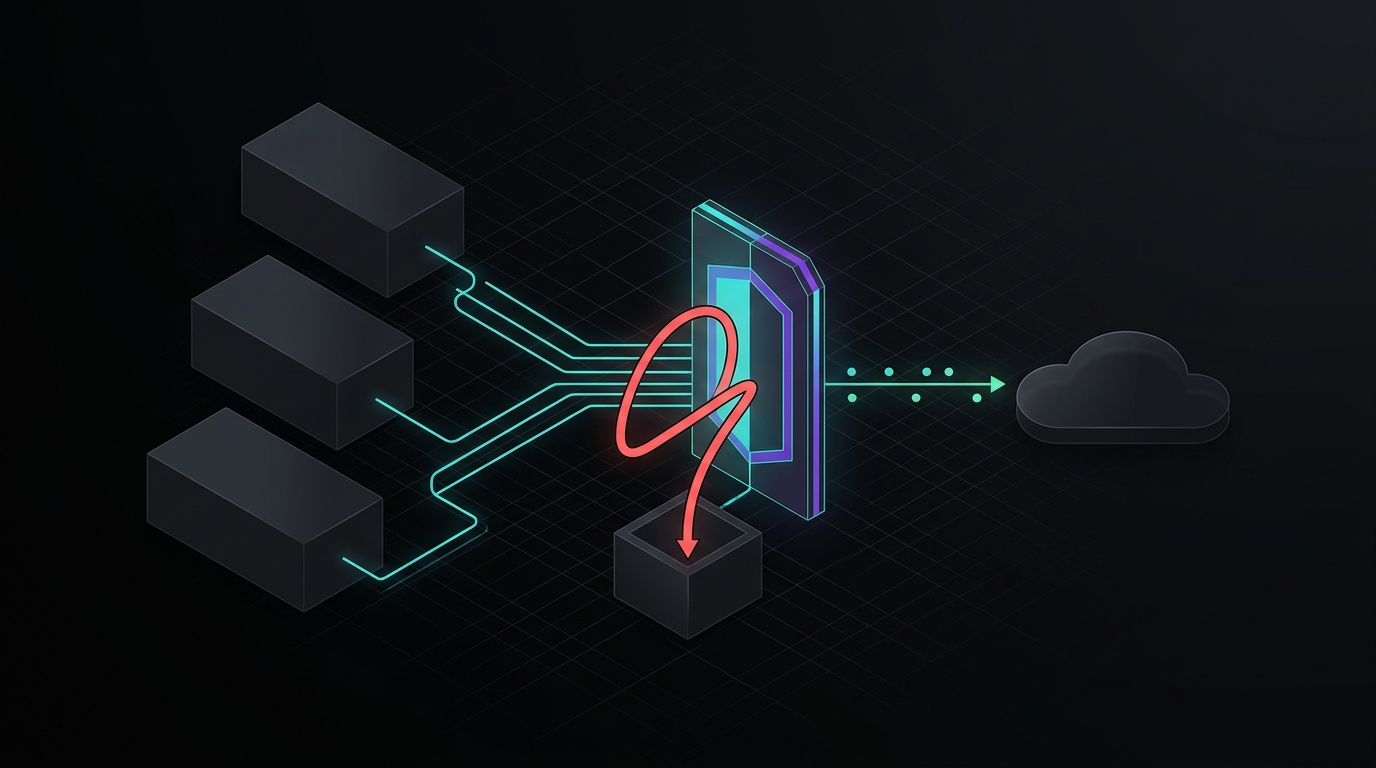
Why hooks beat polling and log scraping
When you run Claude Code interactively at your desk, you see permission prompts and error loops immediately. The moment you run long refactors, multi-repo sessions, or overnight background tasks, standard exit codes stop working: an agent waiting on an interactive confirmation prompt has not exited, so nothing crashes and nothing alerts.
Claude Code's native hook system solves this deterministically. Instead of hoping the model follows a system-prompt instruction, hooks run shell commands on fixed lifecycle transitions defined by Anthropic's Claude Code hooks specification.
Every Claude Code hook event compared
The most common mistake developers make is attaching alerts to the wrong event—especially using Stop to detect permission prompts, which creates constant false positives every time Claude finishes a normal turn. Match each failure mode to the exact lifecycle hook:
| Hook event | When it fires | Can block tool? | Best operational use |
|---|---|---|---|
| PreToolUse | Right before any tool executes | Yes (exit 2 / JSON deny) | Local circuit breaker: cap tool loops, block rm -rf, git push --force, or denied tools |
| PostToolUse | After a tool succeeds | No | Reset consecutive failure counter; record tool name & duration |
| PostToolUseFailure | After a tool returns an error | No | Increment failure streak; trigger runaway-loop alert at 5 consecutive errors |
| Notification | When Claude needs user attention | No | Instant Telegram / Slack / Discord ping for permission_prompt or idle_prompt |
| Stop | When Claude finishes responding | Optional stop-gate | Mark turn complete; run automated test gate before allowing idle |
| SessionEnd | When the session terminates | No | Close session timeline and feed the morning briefing |
Even a perfect Notification hook cannot fire if the CLI freezes on a network retry or dead subprocess. Always pair hooks with a server-side silence threshold so a running session with zero events for 15–30 minutes is flagged as suspected stuck.
Three hook pitfalls that silently break alerts
1. Hooks fail open by default: If your custom notification script has a typo, missing binary in $PATH, or times out, Claude Code logs a non-blocking warning and keeps running. Never rely on bare curl scripts without spooling and retries.
2. Non-interactive shells lack your PATH: Background hooks do not always load ~/.zshrc or nvm. Use an absolute launcher path so hooks behave identically in interactive terminals, tmux, and cron.
3. Accidental prompt & secret leakage: Piping raw hook stdin directly to a third-party webhook leaks tool arguments, file paths, and API keys. Always strip payloads locally and transmit only event type, tool name, outcome, and a locally salted session hash.
One-command setup for Claude Code, Cursor, Codex, Gemini & Antigravity
Instead of hand-maintaining fragile JSON hooks across five different coding tools, agenttracking installs non-destructive, backup-protected hooks with a local offline circuit breaker and free Telegram, Slack, Discord, and webhook alerts (up to 5 agents free forever):
# 1. Optional 100% offline audit first (no account, zero upload)
curl -fsSL https://agenttracking.co/install.sh | sh -s -- audit

# 2. Activate local loop & destructive shell fuse (<2 ms on-device)
agenttracking guard --max-failures 5 --max-calls 80 --max-minutes 45 --block-destructive on

# 3. Connect hooks (backs up ~/.claude/settings.json; keeps existing hooks)
agenttracking connect all

# Cleanly remove at any time:
agenttracking disconnect claude
Inspect what leaves your machine
Run agenttracking doctor locally at any time to verify installed hooks without touching the network. You can also explore an interactive live fleet demo in your browser before installing anything.
Frequently asked questions
Does connecting Claude Code hooks overwrite my existing hooks?
No. agenttracking connect claude merges only its own hook entries, creates a backup next to ~/.claude/settings.json, and leaves all third-party or personal hooks untouched.
Are Telegram, Slack, and Discord alerts really free?
Yes. Up to 5 agents, instant Telegram, Slack, Discord, generic webhooks, email alerts, and the daily morning briefing are all included on the Free plan with no credit card.
Why didn't my Stop hook alert me when Claude got stuck on a permission prompt?
Because Stop fires when a turn completes normally, not when Claude pauses waiting for tool approval. Use Notification for waiting states and a silence-floor watchdog for frozen processes.
Can I use the local guardrails without creating an account?
Yes. Both agenttracking audit and agenttracking guard run 100% offline on your machine with zero cloud connection required.
Primary sources & documentation
Read next & try live
How do I stop Claude Code runaway costs and infinite retry loops?How do I monitor Claude Code and AI coding agents for stuck or waiting sessions?How do I audit MCP server security and detect config drift across my team?Try interactive fleet demo (no login) →Start free (incl. Telegram/Slack) →